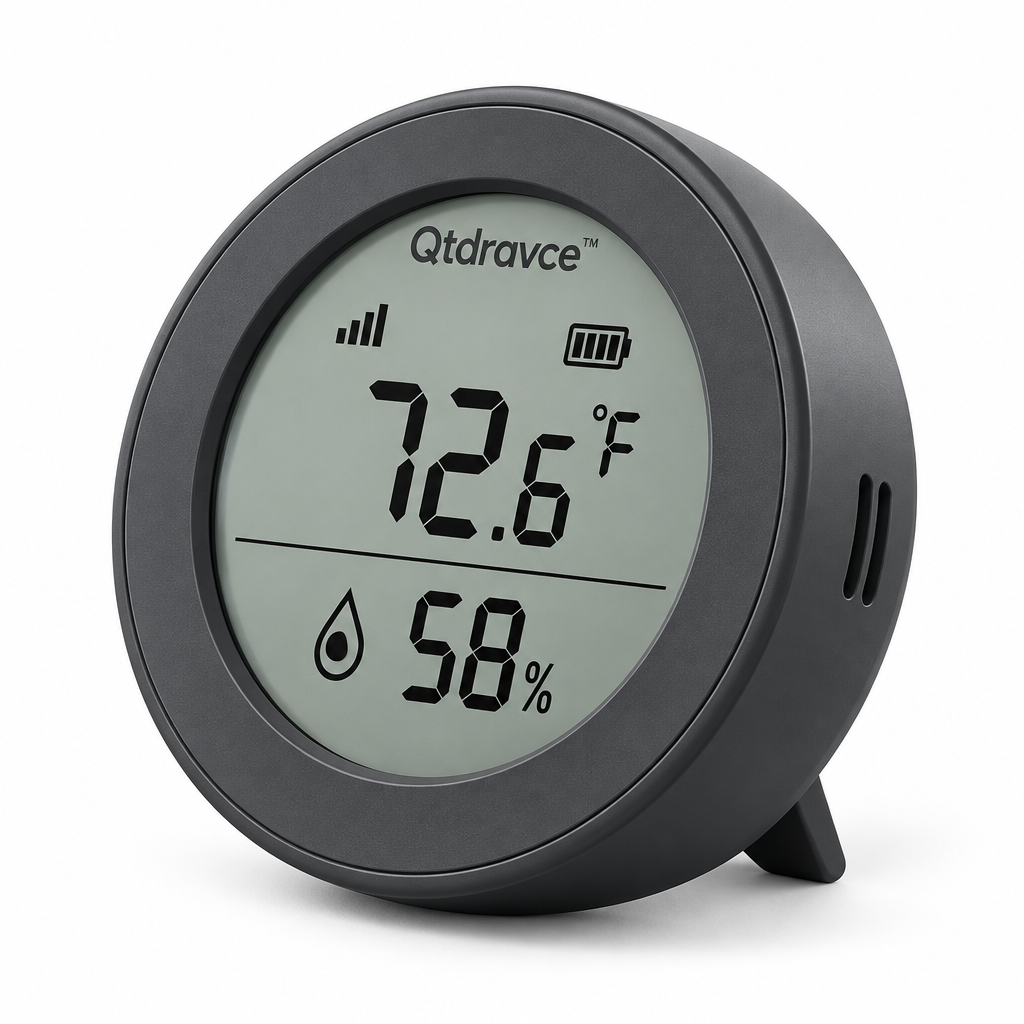
Qtdravce™ AirDot Mini Indoor Temperature Humidity Monitor – Digital Thermometer Hygrometer with LCD Display
Qtdravce™ AirDot Mini Indoor Temperature Humidity Monitor – Digital Thermometer Hygrometer with LCD Display
Couldn't load pickup availability
Qtdravce™ AirDot Mini Indoor Temperature Humidity Monitor
AirDot gives a quick, uncluttered view of indoor temperature and relative humidity. Its compact LCD format is suited to desks, nightstands, shelves, bedrooms and home offices, focusing on everyday environmental information without unnecessary setup or oversized controls.
Modern Smart Living · Thoughtful Everyday DesignDesigned Around Everyday Use
A focused combination of practical technology, clean proportions and restrained cool-tone styling. Every function is presented for its intended household use without exaggerated performance claims.
Temperature Display
Provides convenient room-temperature information with selectable Fahrenheit or Celsius display.
Relative Humidity Reading
Shows current indoor relative humidity for everyday reference.
Clear LCD Interface
A simple screen is easy to read at normal tabletop distances.
Compact Footprint
Fits comfortably on shelves, desks and nightstands.
Low-Power Operation
Designed for ongoing household monitoring with modest power requirements.
Minimal Modern Housing
Rounded edges and neutral colors coordinate with Qtdravce™ smart-home styling.
Product Configuration
Key specifications are organized below so you can review placement, power and intended use before purchase.
- Display: LCD
- Units: °F / °C selectable
- Measures: Indoor temperature + relative humidity
- Placement: Tabletop/shelf
- Use: Indoor household reference
- Color options: White / Charcoal
⚠ Safety & Use Notice
📖 Quick Start Manual
Read these steps before first use and retain the product instructions for future reference.
-
1
Install the specified battery with correct polarity.
-
2
Select °F or °C.
-
3
Place away from direct sunlight, heating vents and active humidifiers.
-
4
Allow the sensor time to acclimate after moving it.
-
5
Keep the sensing area unobstructed.
Share