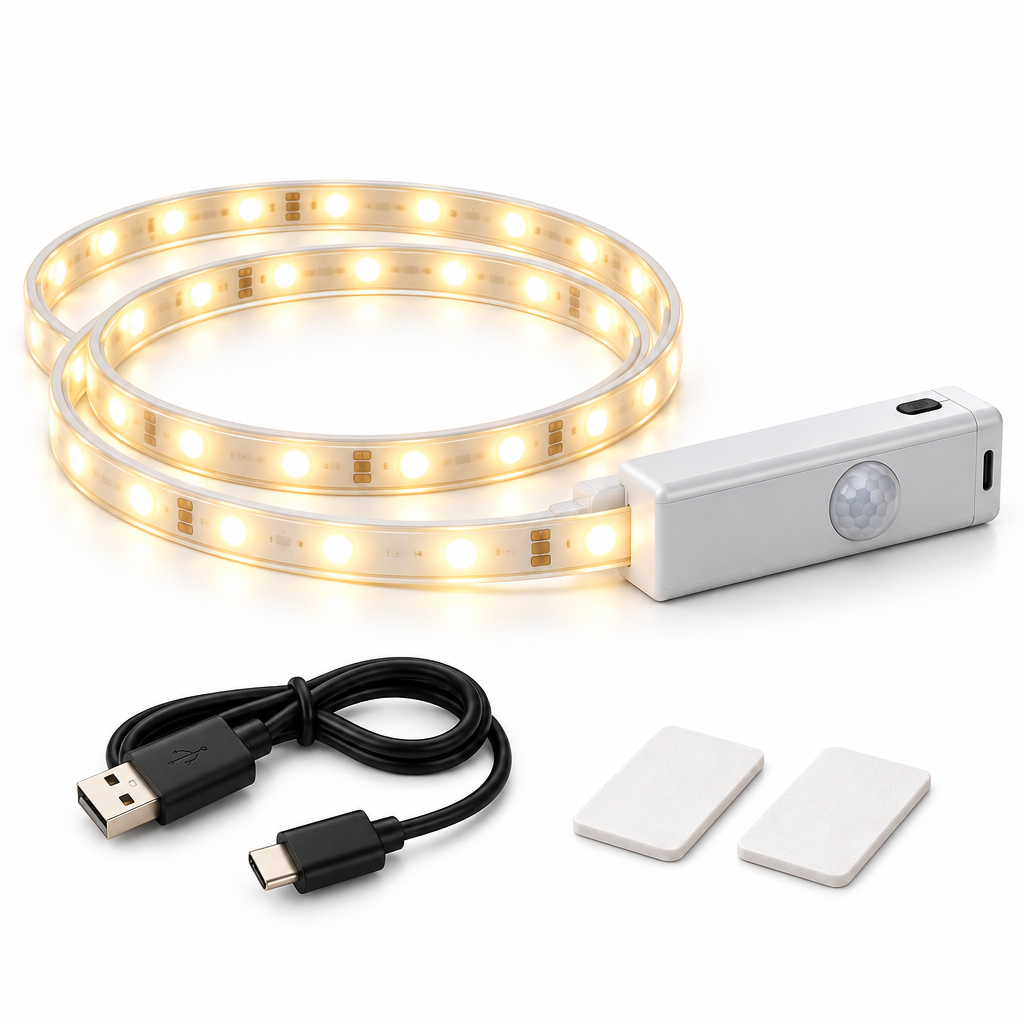
Qtdravce™ ShelfSense Rechargeable Motion Sensor LED Light Strip – Wireless Closet, Cabinet & Storage Lighting
Qtdravce™ ShelfSense Rechargeable Motion Sensor LED Light Strip – Wireless Closet, Cabinet & Storage Lighting
Couldn't load pickup availability
Qtdravce™ ShelfSense Rechargeable Motion Sensor LED Light Strip
ShelfSense adds concealed, automatic lighting to closets, cabinets, shelving and storage areas without permanent household wiring. A rechargeable control module combines motion and ambient-light sensing, while the flexible LED strip follows clean interior lines for a more integrated look.
Modern Smart Living · Thoughtful Everyday DesignDesigned Around Everyday Use
A focused combination of practical technology, clean proportions and restrained cool-tone styling. Every function is presented for its intended household use without exaggerated performance claims.
Motion Activation
Automatically responds to detected movement when configured for sensor operation.
Ambient-Light Detection
Designed to avoid unnecessary activation in sufficiently bright surroundings.
Rechargeable Controller
Cordless power architecture supports flexible storage-area placement.
Flexible Strip Layout
The light strip follows shelves, cabinet edges and other compatible surfaces.
Soft LED Output
Creates a smooth accent layer rather than a harsh point of light.
Clean Hidden-Lighting Look
Low-profile installation gives cabinets and storage areas a more finished appearance.
Product Configuration
Key specifications are organized below so you can review placement, power and intended use before purchase.
- Lengths: 3.3 ft / 6.6 ft
- Power: Rechargeable control module
- Light source: Flexible LED strip
- Modes: Auto / On / Off
- Sensors: Motion + ambient light
- Use: Indoor dry locations
⚠ Safety & Use Notice
📖 Quick Start Manual
Read these steps before first use and retain the product instructions for future reference.
-
1
Charge the controller before installation.
-
2
Clean and dry the intended surface.
-
3
Test the strip position before removing adhesive backing.
-
4
Install the strip without sharp bends and connect the controller.
-
5
Select Auto mode and test motion response before finalizing placement.
Share